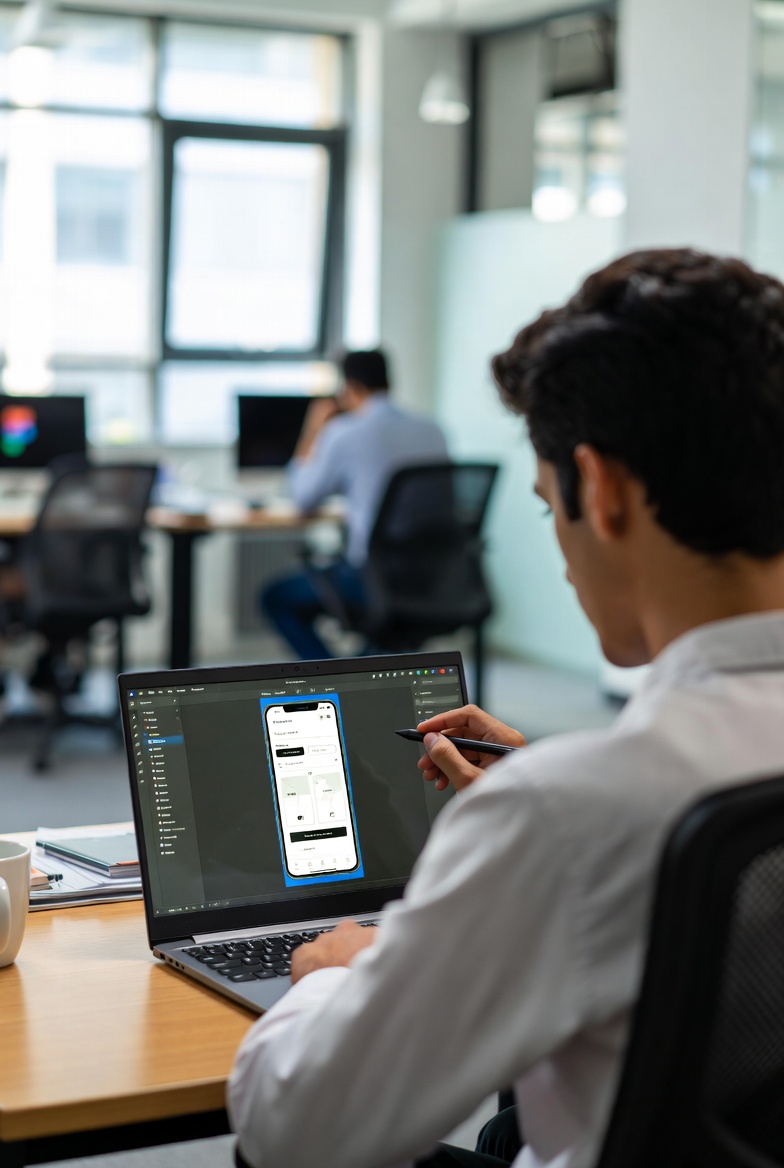
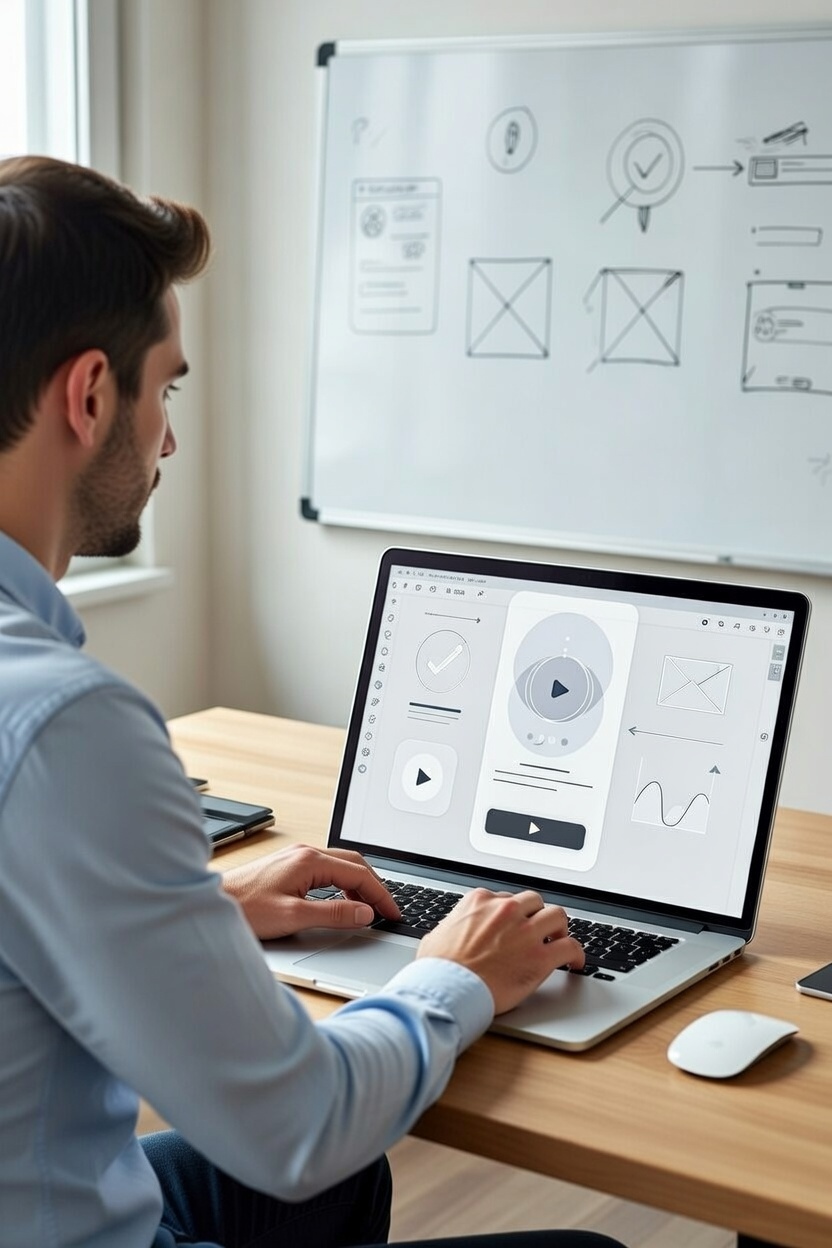
Usability Testing: Your Hands-On Guide to Boosting User Experience as a Pro Designer
Hey, I'm a writer who's spent years diving into digital design, and from working with designers across Egypt, Saudi Arabia, and the UAE, I know usability testing isn't just a box to check it's the tool that turns a professional UI UX designer into a sought-after freelance UI UX designer who can deliver standout app UI UX redesign projects. In 2026, with the rise of localized apps and startups, we're talking about real-world ways to test products so users feel empowered, not frustrated No lofty ideals here just straightforward steps to help you, as a product designer for apps, refine your work and attract clients looking to hire a designer to build my app or improve their digital presence.
What Exactly Is Usability Testing
Usability testing is a straightforward process: you watch real users interact with your product or app while they complete specific tasks, gathering their feedback along the way It's not about judging aesthetics alone, but uncovering how the interface helps or hinders them. I've used this in my own projects and seen how it reveals hidden issues, like confusing navigation or unclear calls to action, that aren't obvious during initial design phases.
Key Goals of the Test
- Spot weaknesses: Think slow load times or ambiguous icons.
- Enhance satisfaction: Make sure the experience feels intuitive and tailored.
- Support iterative design: This lets you tweak and refine, turning good ideas into great ones for mobile app design services.
Why Usability Testing Matters in Today's Design Market
In the Arab region, businesses are competing on seamless user experiences, especially in fintech and e-commerce. As designers, when we incorporate testing, we cut costs by fixing problems early and boost client loyalty through better outcomes. I've witnessed in Saudi Arabia and the UAE how this approach has helped freelancers nail app redesign service gigs, increasing conversion rates by 20-30% in some cases.
Unique Benefits You Won't Find Elsewhere
- Refine experiences: Base changes on actual user insights, not guesses.
- Save money: Early detection avoids costly post-launch fixes.
- Drive business growth: A best UI UX designer for mobile apps can help clients ramp up sales with polished interfaces.
Core Elements for a Successful Test
Testing relies on three main pillars to work effectively.
The Moderator, Tasks, and Participants
- Moderator: Guides the session with neutral questions.
- Tasks: Realistic scenarios, like "Search for a product and add it to cart."
- Participants: Select people who match your target audience, not just friends.
Types of Usability Testing That Fit Your Workflow
In design, different types suit various needs.
Qualitative vs. Quantitative
- Qualitative: Focus on deep insights, like how users think during interactions.
- Quantitative: Measure metrics, such as completion time or error rates.
Moderated or Unmoderated
- Moderated: For direct engagement.
- Unmoderated: Ideal for freelance web designer working remotely.
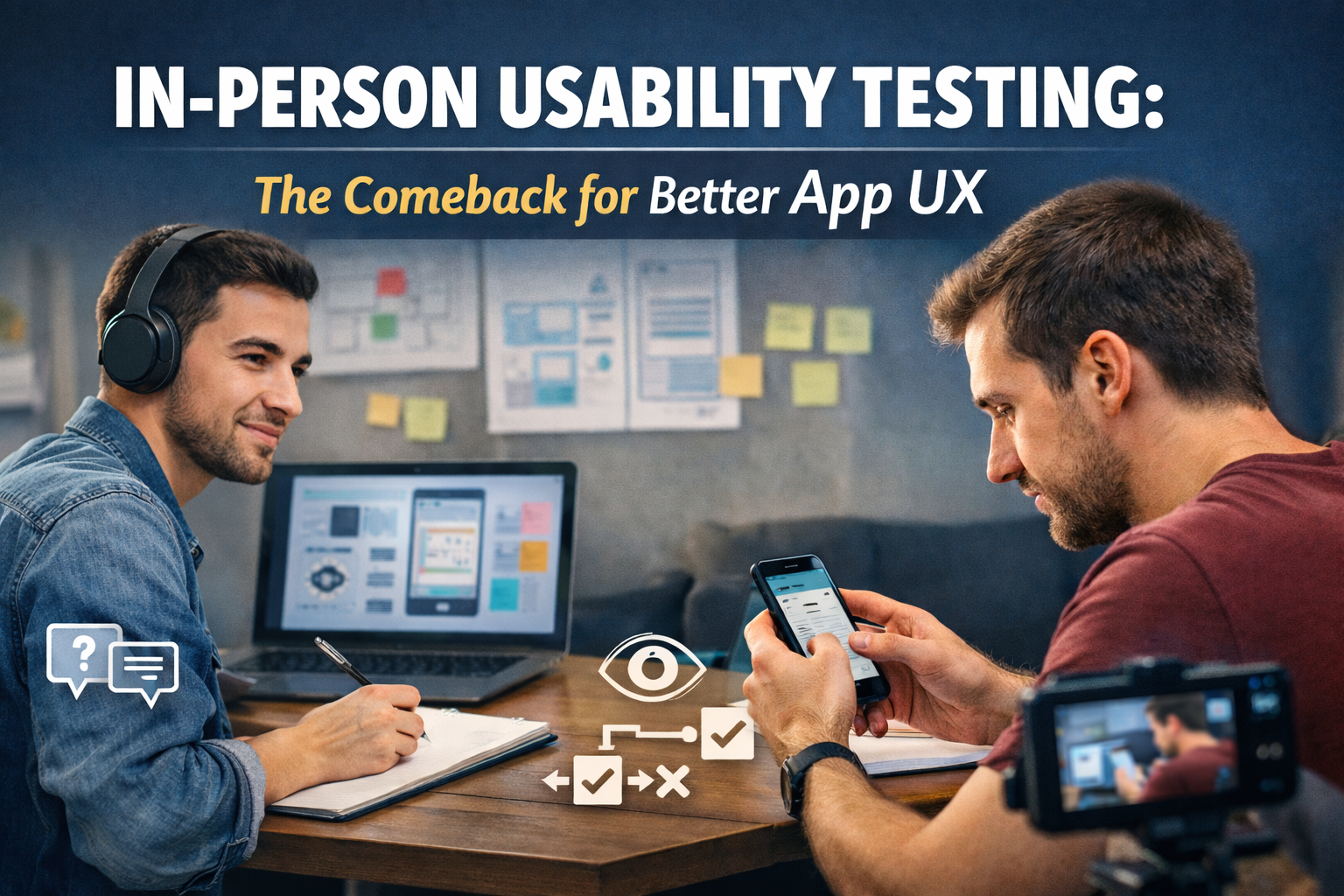
Remote or In-Person
- Remote: Convenient for Egypt and the Emirates.
- In-Person: Better for complex tests.
Proven Methods I've Tested and Recommend
From my experience, these methods deliver results.
Guerrilla Testing
Quick and low-cost: Head to a café and ask random people to try your prototype.
Lab or Contextual Inquiry
- Lab: For precise observations.
- Contextual: Watch users in their natural environment.
Session Recording
Use tools to capture screens and comments for later review.
When to Run Usability Tests as a Pro
Start early for maximum impact.
Pre-Design and Post-Launch
- Pre: To understand needs.
- With Prototypes: Test mobile app prototype design early.
- Post: For ongoing improvements.
Step-by-Step Process to Conduct the Test
Here's the practical approach.
Planning and Execution
- Build a prototype.
- Select participants.
- Run sessions and document findings.
In the end, usability testing is what sets you apart as a UI UX designer for startups or app design expert for SaaS Give it a try and watch your projects shine. If you need tips, share in the comments!