AI Prototyping: Great from Afar, But Far from Perfect in Real Design
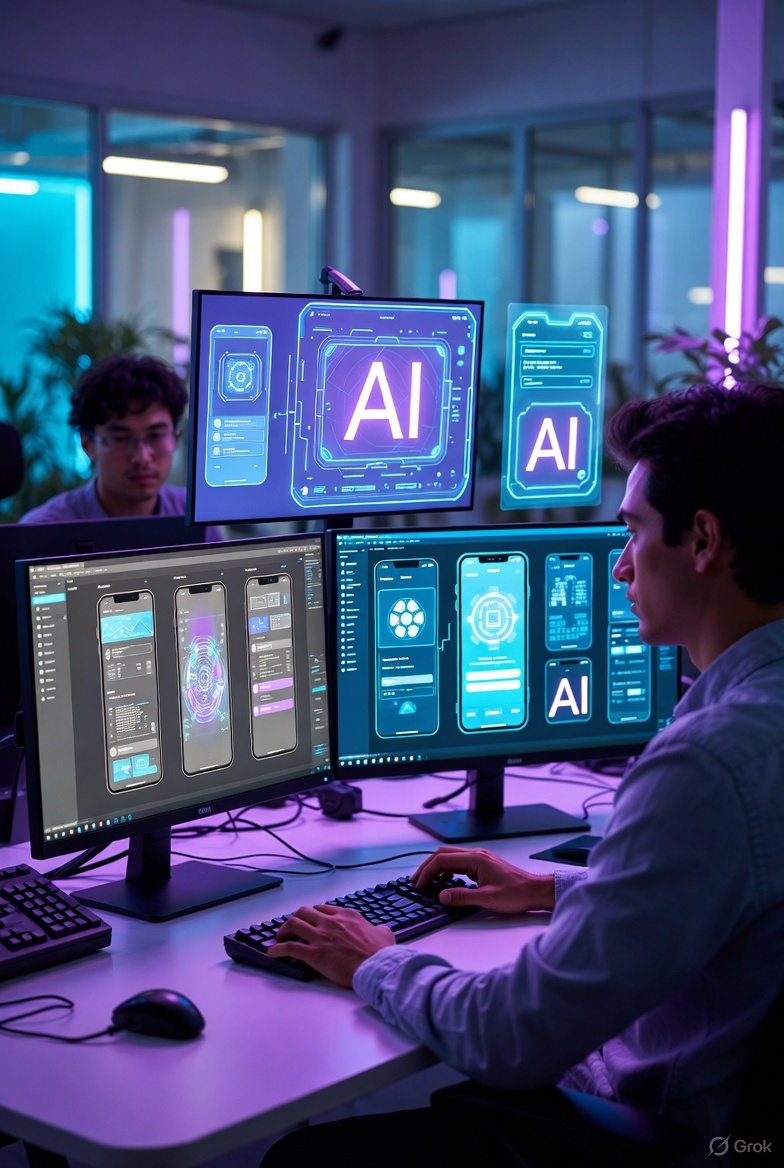
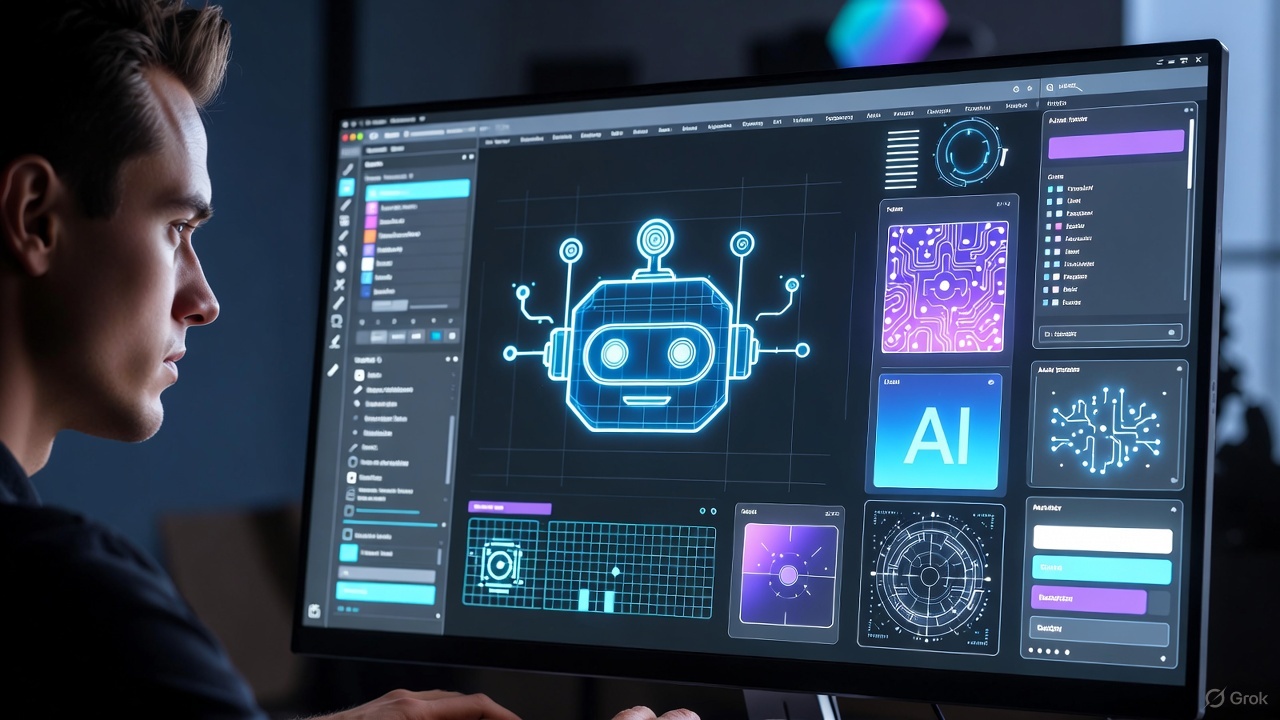
A few weeks ago, I was trying out a new AI tool for creating an app prototype, and in just minutes, it produced a design that looked stunning from a distance! But when I zoomed in and examined the details, I found numerous issues with layout and flow I was genuinely surprised, because I had expected AI to handle everything on its own Believe me, I tried several tools, and I realized that AI prototyping is incredibly useful, but it’s not a complete replacement for the expertise of a UI UX Designer. Today, I’ll share my experience and what I learned, especially if you’re thinking about mobile app design services or even saying, “I need to hire a designer to build my app.”
What Is AI Prototyping?
Imagine a tool that listens to your casual description and spits out a ready prototype in seconds. That’s exactly what tools like Uizard or Galileo AI do Instead of spending hours in Figma, you write a detailed prompt, and the design appears But here’s the thing the result is good only if the prompt is precise; if it’s vague, you’ll get completely different and disconnected designs.
Why Precise Prompts Make All the Difference
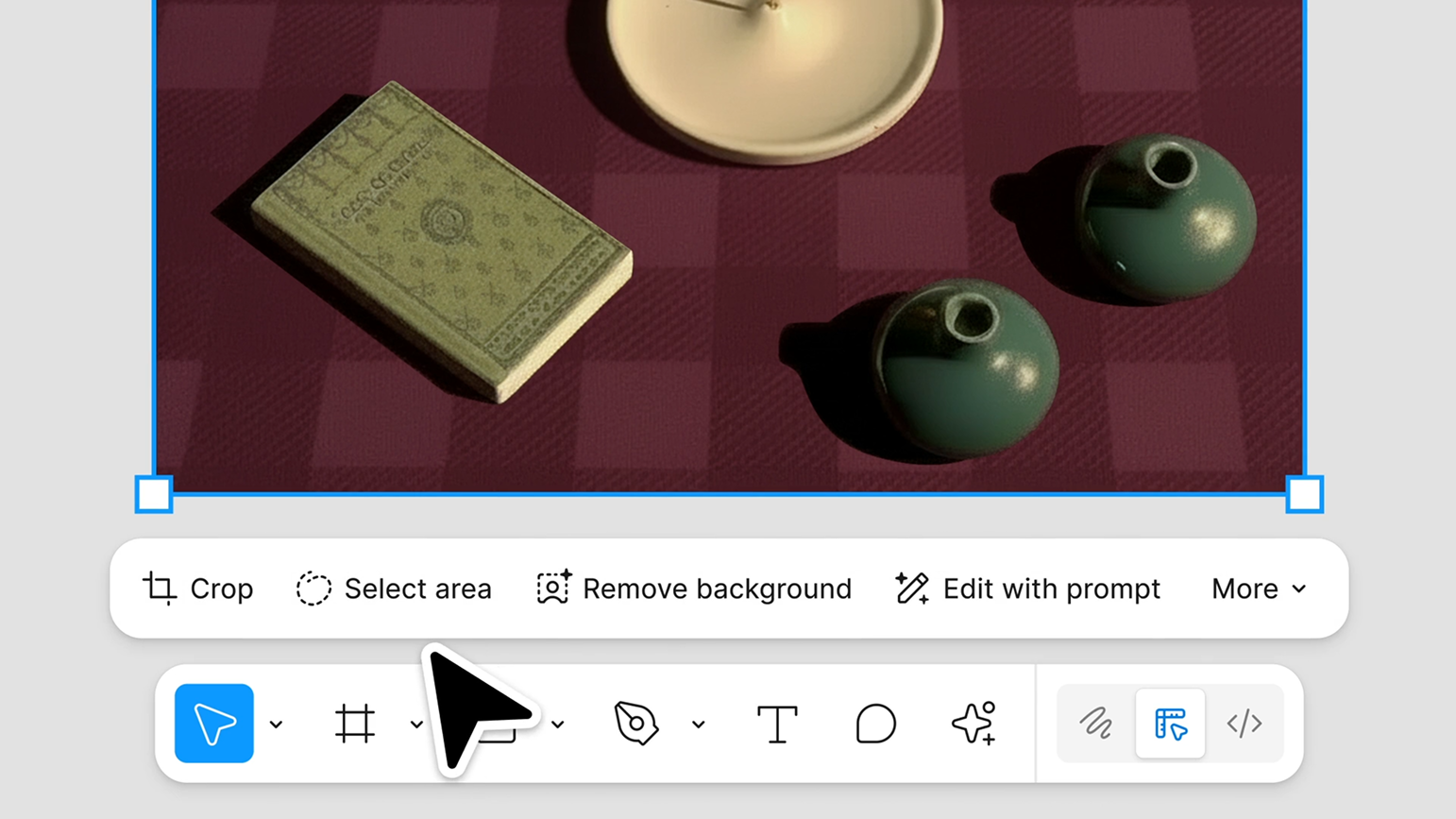
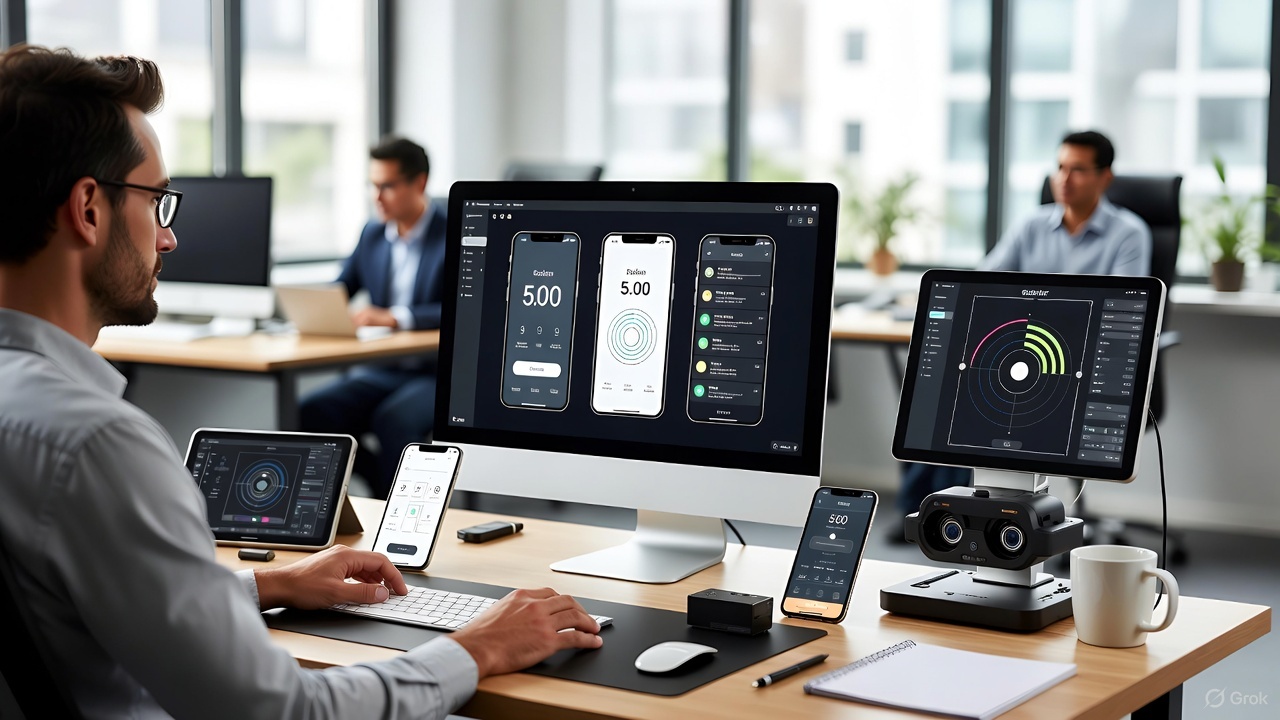
Let me tell you: the clearer your description, the closer the output is to what you have in mind In my experiments, when I described components in detail (like progress bars and brand-specific colors), the AI produced a design that resembled what a Figma UI UX Designer or Freelance UI UX Designer might create But if the prompt was general, the design turned out generic and unremarkable What if I told you that adding an image or a Figma link dramatically improves the result? It’s like the old saying: a picture is worth a thousand words!
The Limitations of AI in Design
What surprised me most is that AI relies on common patterns from its training data, so it produces “safe” but uninspired designs For example, it often uses simple fonts and neutral colors, lacking the fine touches like spacing or visual hierarchy I tried it for an app UI UX redesign, and the result looked good from afar, but up close, it missed the soul that a best ui ux designer for mobile apps or ui ux designer for startups brings.
How to Use AI Effectively in Your Real Workflow
AI is perfect for early stages: generating quick ideas, exploring different layouts, or creating a prototype to show clients But in later stages, human intervention is essential for precision and empathy with users I see it as a smart assistant, not a full replacement for a product designer for apps or app design expert for SaaS.
When Should You Hire a Professional Designer?
If the project is complex or needs a personal touch, don’t hesitate to hire UI UX designer Whether it’s mobile app prototype design, website design services, or professional website design for businesses, human expertise is what makes the difference.
In the end, my friends, AI is a fantastic tool that speeds up the process, but true design needs a human heart and mind Try a tool today, and you’ll see the possibilities for yourself but don’t forget to add your personal touch Share in the comments: Have you tried AI tools for prototyping? What’s the best and worst thing about them? I’m eagerly waiting for your thoughts!