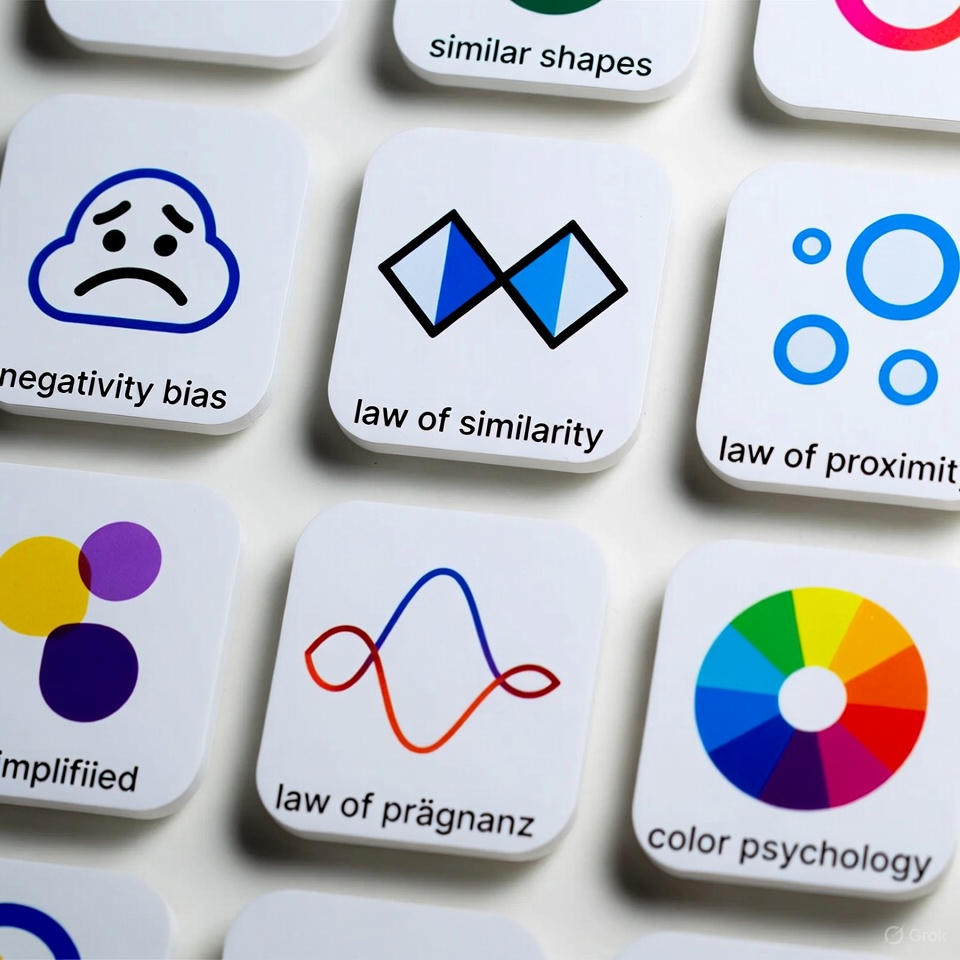
These seven principles form the foundation of any reliable Design System — one that is clear, adaptable, maintainable, and capable of evolving alongside the product and the team.
A Design System’s true value isn’t measured by the number of components it contains, but by the strength of the principles that govern how it grows, how decisions are made, and how easy it is to manage.
A well-built system works at every level — from tokens and grids to the finest details of a single component — maintaining clarity and flexibility through every update
1️⃣ Extensibility
Core Question: Can you add something new without breaking everything else?
A strong system doesn’t collapse when you introduce a new color, type scale, or component.
Expansion should feel natural, built on a solid structure — not hacks or exceptions.
🔍 Example:
Adding a new blue shade or an extra heading level in a well-designed system means:
→ just adding a new value to an existing scale.
In a weak system, the same change requires editing dozens of styles and redesigning screens
2️⃣ Modifiability
Core Question: How easily can the system accept change?
A mature system allows smooth updates — adjusting the base font size, tweaking spacing, or updating icons — without causing cascading side effects.
🔍 Example:
Increasing the base text size should be handled through tokens, not by fixing page after page manually.
If one change triggers chaos, the system isn’t flexible
3️⃣ Clarity
Core Question: Can anyone understand the system instantly?
Clarity means predictable naming, predictable logic, and predictable relationships.
A good system shouldn’t require hundreds of documentation pages to be understood.
🔍 Example:
A designer opens the system and finds heading styles clearly organized.
A developer looks for the link color and finds the token immediately.
No questions. No confusion
4️⃣ Consistency
Core Question: Does everything follow the same logic?
Consistency isn’t about making everything look the same — it’s about making everything behave the same.
Component states, interaction patterns, naming rules… all should belong to one unified language.
🔍 Example:
If all interactive elements share the same hover/focus/disabled pattern, even new components will feel naturally familiar to users — and easier for teams to adopt
5️⃣ Systematic Thinking
Core Question: Is everything built on rules instead of coincidence?
Systematic design ensures every new element fits into the structure without breaking anything.
Shadows, grids, type scales — all must be based on predictable ratios and logic.
🔍 Example:
Need an additional shadow level?
If the system already defines how blur, spread, and offset progress…
then adding a new level is automatic
6️⃣ Minimal but Meaningful
Core Question: Is anything unnecessary included?
A strong system is lightweight and free of redundancy.
Every token, component, and variation must have a clear purpose.
Unnecessary elements add noise and weaken clarity.
🔍 Example:
Five card variations that differ only slightly?
A single flexible card component can usually express the same variations more cleanly
7️⃣ Adaptability
Core Question: Does the system work across contexts and environments?
A robust system functions seamlessly across screen sizes, densities, content types, and platforms.
Strong components preserve their shape and meaning even when conditions change.
🔍 Example:
A product card should work inside a grid, a list, or a narrow sidebar —
without needing three separate components
🎯 Conclusion
These seven principles make a Design System:
✔ scalable
✔ easy to modify
✔ predictable
✔ lightweight and clear
✔ capable of supporting the product for years
A strong Design System = faster products, more efficient teams, and a more mature user experience